Demo
Free
- Up to 20 guests
- 100 MB storage
- QR code & link
- 1 free recap
- Live slideshow on a tablet
If you like it, you upgrade later with one click. Your album and the photos in it stay.
Start free
Active for 3 days
Your guests scan the QR code and upload their photos to your shared album. No app or guest account needed.
Free demo. No subscription.
4,962 photos and videos from 28 paid celebrations. As of October 2026.
Sign in with an email link and create your album in a few steps.

1 of 5 · You, the host
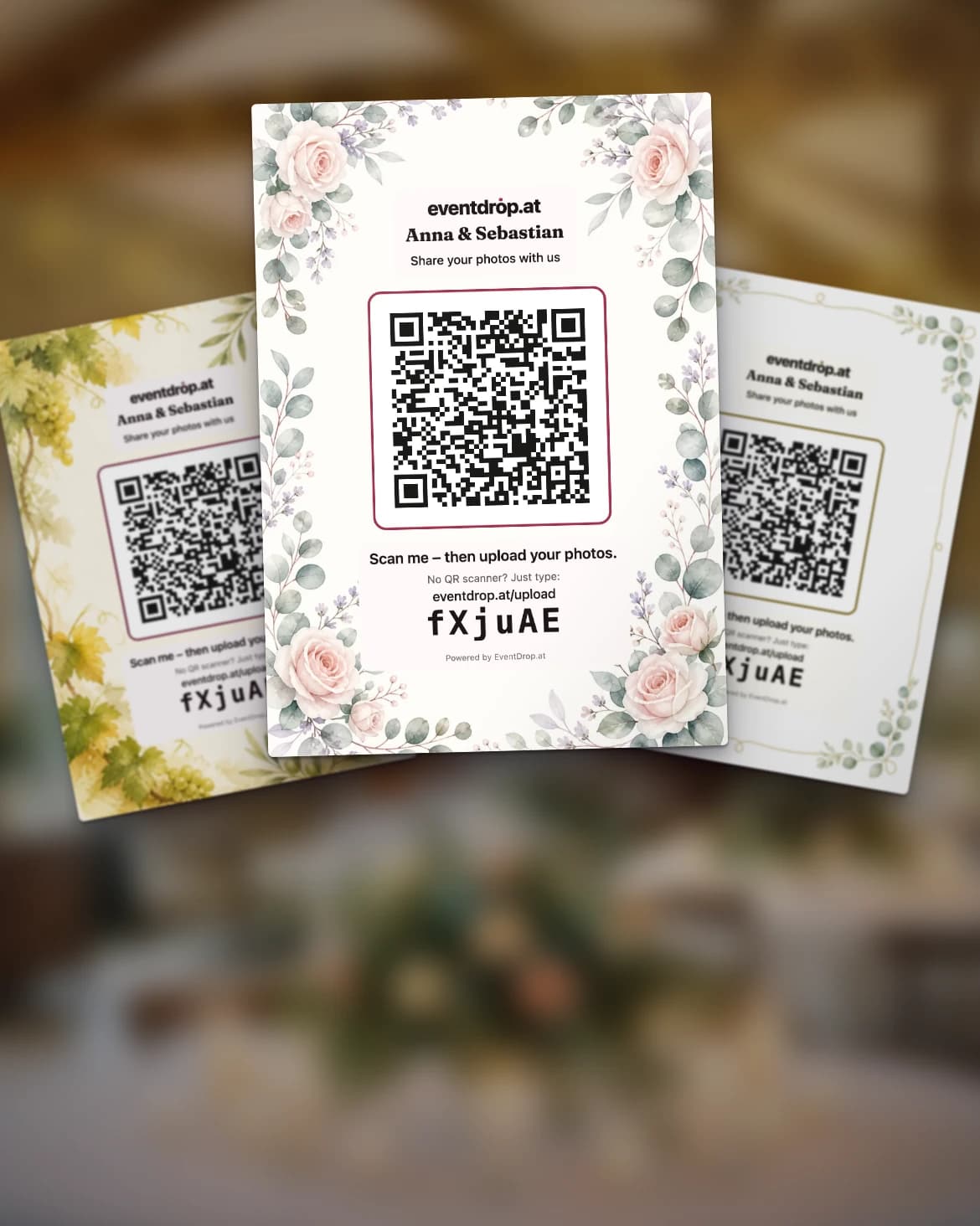
Pick a design and print the cards. Their QR code opens the upload page.
Designs from Spotlight · plain card on every plan
Sample scene
The tour shows EventDrop in sample scenes: the real interface and print cards, with AI-generated photos and card designs. No customer event.
Pricing
A fair one-time payment, no subscription. Optional extras: extend the event duration (30 days €5, 90 days €10) and a 1080p recap without the watermark (€5).
Try it free, then decide
Start with the free Demo album: 3 days, up to 20 guests. Love it? Upgrade in one click.
If you like it, you upgrade later with one click. Your album and the photos in it stay.
Active for 3 days
Everything in Spotlight, plus:
Everything in Premiere, plus:
Included in every paid plan: Unlimited guests · Download as ZIP · Comments & reactions · AI highlights · Video uploads up to 100 MB · Event PIN · Live photo wall for projector & TV
Got a promo code? You redeem it in the last step at checkout.
All prices are one-time payments — no subscription, no hidden fees.
Credit card · Apple Pay · Klarna · EPS and more
Real albums · anonymised
Typical means that of 16 wedding albums with at least 10 files, half have more and half have fewer.
Counted from the day after the date the hosts entered.
One wedding from these albums: 381 photos and 5 videos. Photos were still coming in a week after the day.
Later, someone saved almost the whole album to a phone, 379 of 386 files in one go. The gallery expires at some point. The copy on the phone does not. (As of 19 September 2026)
View the wedding examplePaid customer albums, excluding demo, test and our own albums. As of October 13, 2026.
The person behind EventDrop
My own wedding was the starting point for EventDrop. I develop and run it in Austria so the photos from your celebration end up in one shared album.
Open the live photo wall on a screen or projector. New photos are added automatically as your guests upload them.




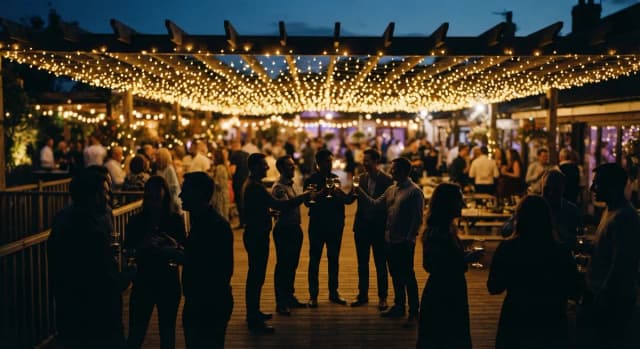
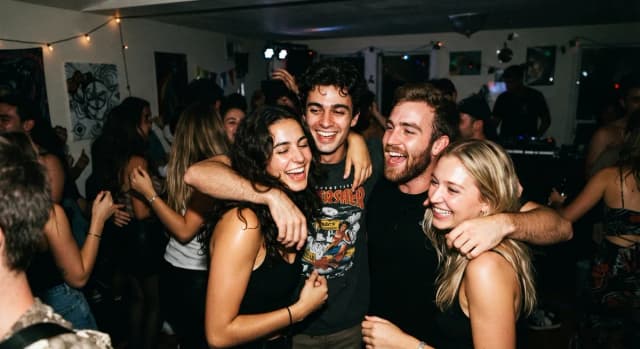
You can prepare photo tasks, choose highlights and create a recap video. Included features depend on your plan.
Give your guests photo ideas, such as the first dance or a group selfie. You choose the tasks, and your guests see them right away.
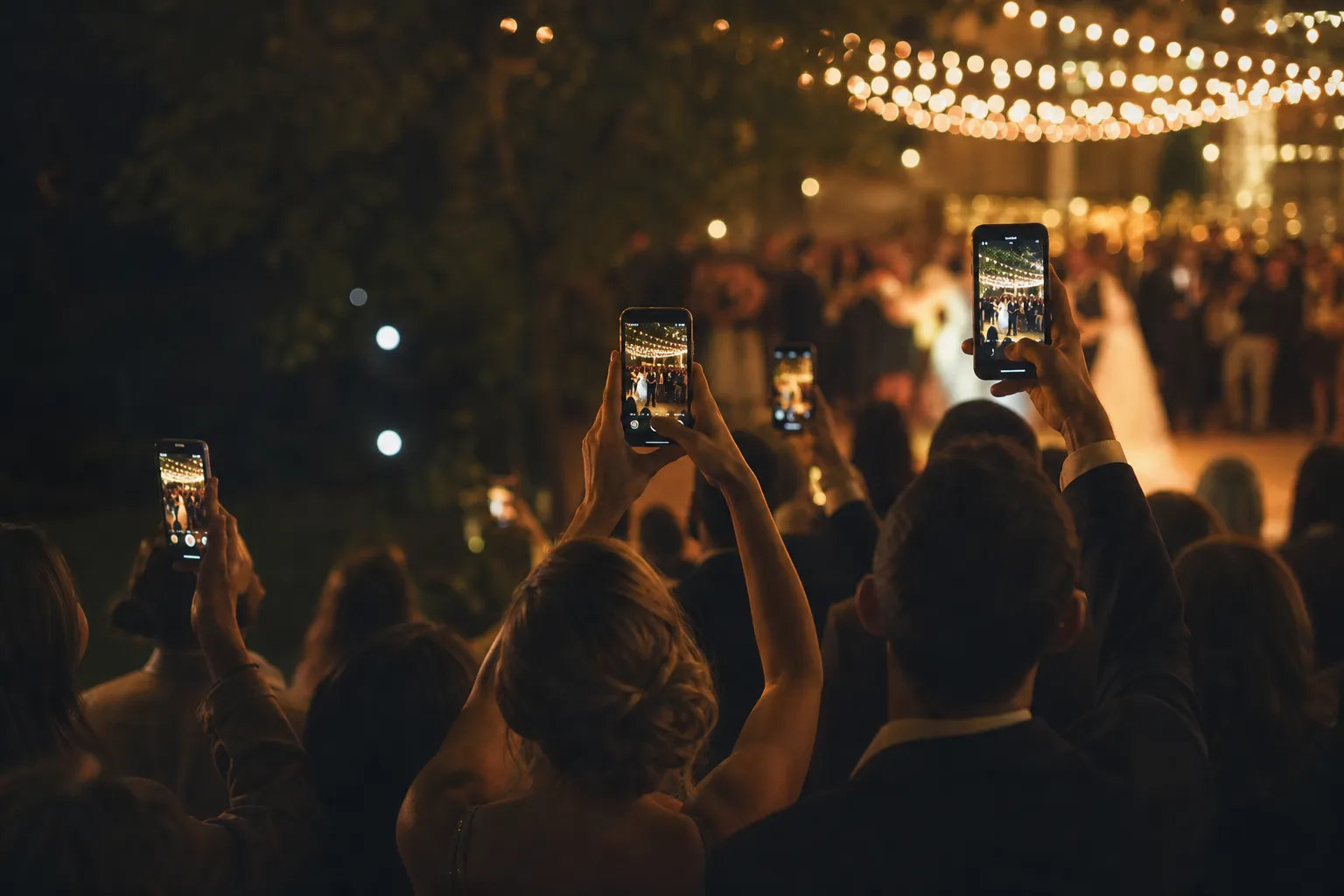
AI suggests photos for the highlights. You can change the selection.
Up to 20 highlights
Choose photos and check the video preview. Then you can create and share the video.
Choose a design and print the QR cards for your tables.
Your event photos go into a folder of your choice in your own storage – without a detour through your device.
You can hide individual photos and, from Spotlight, protect the album with a PIN. Processing follows the GDPR.
Guests optionally leave voice messages in their browser (up to 60 seconds). Within the event, only hosts and invited co-admins can listen. Included in Premiere, Studio.
Short answers: what your guests need, what it costs and what happens to the photos after the party.
Can't find your question?
The Help Center has a guide for every step. If something is still missing, write to us.
Your next event
Create your event album for free and share the QR code with your guests.
No credit card needed. Free with the Demo plan.
