All photos, from all guests.No booth.
Guests scan the QR code and upload — no app. A one-off €49.
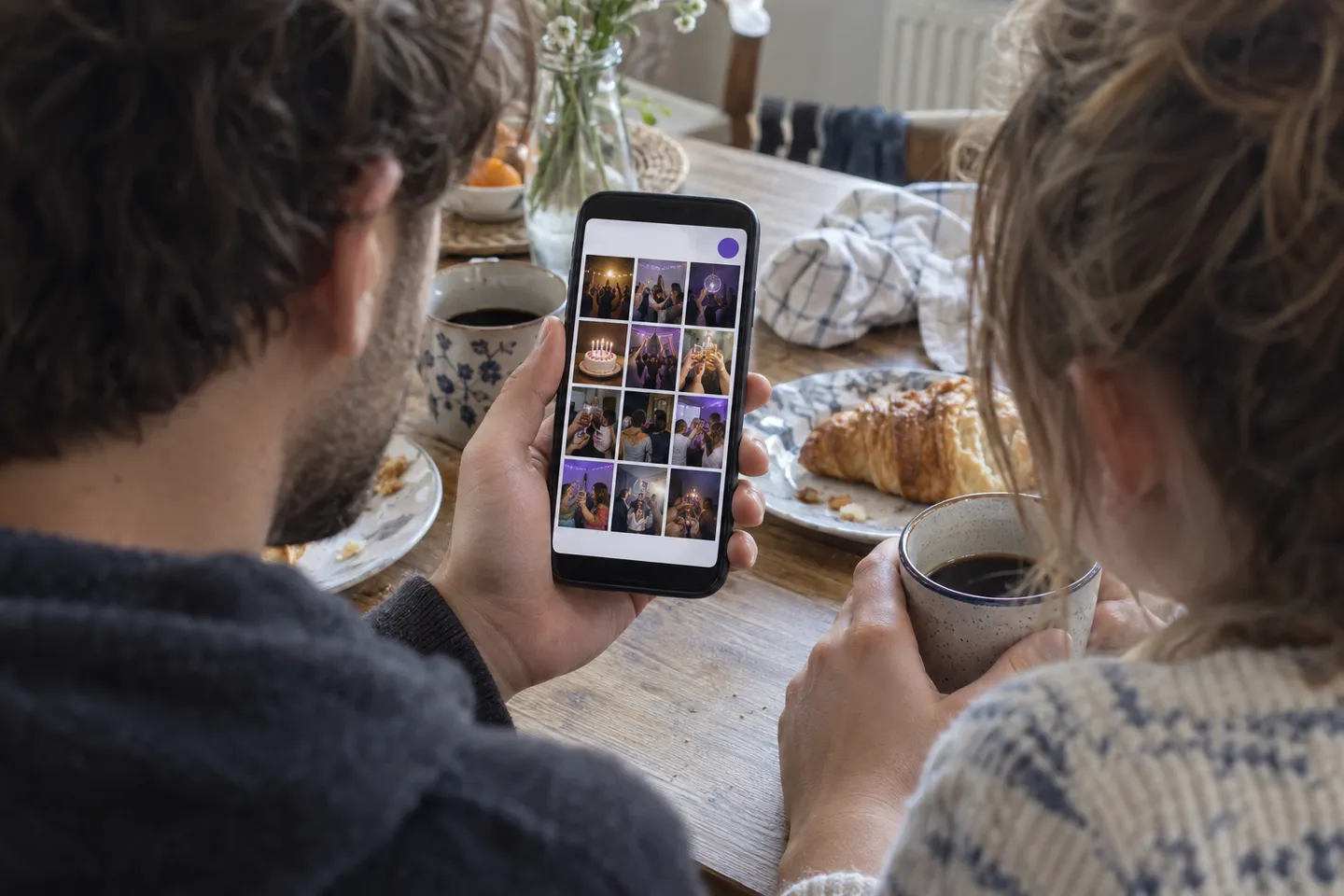
Looking at the album needs nothing — no account, no email. For your own free album you do need an email address: Demo plan, 3 days, up to 20 guests, no credit card.
Honestly: €49 is €49. No struck-through fantasy price, no “70 percent off today only” routine.
Paid once, at the final price, with no subscription. No VAT under the Austrian small-business exemption (§ 6 (1) 27 UStG).
A booth without a printer is cheaper, from around 150 euros. It arrives by post, you set it up yourself, and your guests never hold a photo in their hands. As soon as a printer is included, those vendors start at 200 euros too.
What is an affordable alternative to a photo booth?
A shared album that every guest uploads to from their own phone. With EventDrop, they scan a QR code, with no app and no account. You get the pictures from the whole evening, not just the ones taken in front of the booth. What a photo booth does and EventDrop doesn't: a printed photo to take home.
The four usual ways, side by side
- EventDrop
- Guests scan a QR code and upload in the browser, with no app and no account. Every picture lands in one album. Only the Demo is free: 3 days, up to 20 guests, photos only, no ZIP download.
- WhatsApp group
- Everyone needs a WhatsApp account with a phone number and has to be in the group. Unless people change the setting, photos are sent downsized. Pictures get buried between the messages.
- Shared Google Photos album
- Works if everyone already uses Google. To add photos, people sign in with a Google account. With a mixed crowd, that is the biggest hurdle.
- Dropbox file request
- Guests upload without a Dropbox account. The files land in the folder of the person who asked and use up their storage. Guests don't see each other's photos.
What guests uploaded to 17 paid wedding albums
144
files in a typical wedding album
61%
of the files arrived after the day itself
Typical means: of 16 wedding albums with at least 10 files, half have more and half have fewer.
Paid customer albums, excluding demo, test and our own albums. Counted from the day after the date the host entered. As of October 13, 2026.
What hosts want to know first
- What happens to my guests' data?
- Guests need no account, and giving a name is optional. On upload we remove the GPS location data from JPEG, PNG, WebP and HEIC photos. The photos are stored on servers in the EU. From Spotlight, a PIN protects the album.
- Do the photos keep their original quality?
- In full resolution, at the original pixel size. For JPEG, PNG, WebP and HEIC photos, we remove the metadata, including the location, when saving and save the image again for that. GIFs stay unchanged. iPhone photos in HEIC format are converted to JPEG so they open on every device.
- Can guests upload videos too?
- Yes, from Spotlight, up to 100 MB per video. The Demo takes photos only.
- How long do the photos stay online?
- Demo 3 days, Spotlight 30 days, Premiere 365 days, Studio 365 days. After that, guests can no longer get in, and you and your team still see the album for 30 days. Then we delete everything for good. So save the photos before the end date.
- What does it cost?
- The Demo is free. Paid plans are a one-time payment per event, no subscription. Guests never pay anything. Prices are on the pricing page.
Three steps,nothing more.
Create the album
Email address, event name, date. Then you get a link and a QR code.
QR code on the table
Print it on the place cards or stand it on the bar. Your guests scan it with their phone camera. No app, no sign-up.
Photos the morning after
Everything your guests uploaded sits in one place. On the paid plans you download the album as a ZIP — a large one comes in several parts.
Rental booth, oreighty cameras?
Photo booth rental and EventDrop side by side
Cost
- Photo booth rental
- 200 to 800 euros
- EventDrop
- €49
A printed photo in your hand right away
- Photo booth rental
- Yes
- EventDrop
- No
Props, hats, glasses, frames
- Photo booth rental
- Yes
- EventDrop
- No
Someone sets it up and takes it down
- Photo booth rental
- Usually yes
- EventDrop
- Nothing to set up
How many can shoot at once
- Photo booth rental
- One group, everyone else waits
- EventDrop
- Everyone, anywhere in the room
Photos from the whole evening
- Photo booth rental
- Only what happens inside the booth
- EventDrop
- Everything, including outside and at the table
Do guests need an app
- Photo booth rental
- No
- EventDrop
- No
Available afterwards
- Photo booth rental
- Usually a download link for a few weeks
- EventDrop
- 365 days on the Premiere plan, then 30 days until deletion
Live on the wall
- Photo booth rental
- Usually costs extra
- EventDrop
- Included
Video of the evening
- Photo booth rental
- Usually not
- EventDrop
- AI recap, included
The “Photo booth rental” column describes the usual scope of classic photo-booth rental; individual vendors differ. The price range comes from bvents.de (updated 15 August 2026) and photobooth.at, both read on 29 August 2026: self-assembly boxes shipped to you from around 150 euros, standard packages with a printer 200 to 450 euros, full service with setup and staffing 450 to 800 euros. Always compare the actual quote before you book.
The EventDrop column describes the Premiere plan (€49), a single payment for one event. Plans start at €19.
When you really do need a photo booth
If it matters to you that your guests take a printed photo home with them, rent a photo booth. EventDrop cannot do that, and we are not going to pretend otherwise.
If what you want is every photo your 80 guests took, in your hands the next day, then a booth is the wrong tool. It only captures what happens in front of its lens. Most of it happens somewhere else.
The objections people actually raise
Full details on storage locations, sub-processors and transfer bases are in the privacy policy.
Try it,before you pay.
Create a free album and send the QR code to two or three people. If it feels right, switch up to the full album. If it does not, it cost you nothing.